
Turn any image into an interactive map.
Upload an image, draw clickable regions, link them anywhere, and swap images on hover — right inside SharePoint.
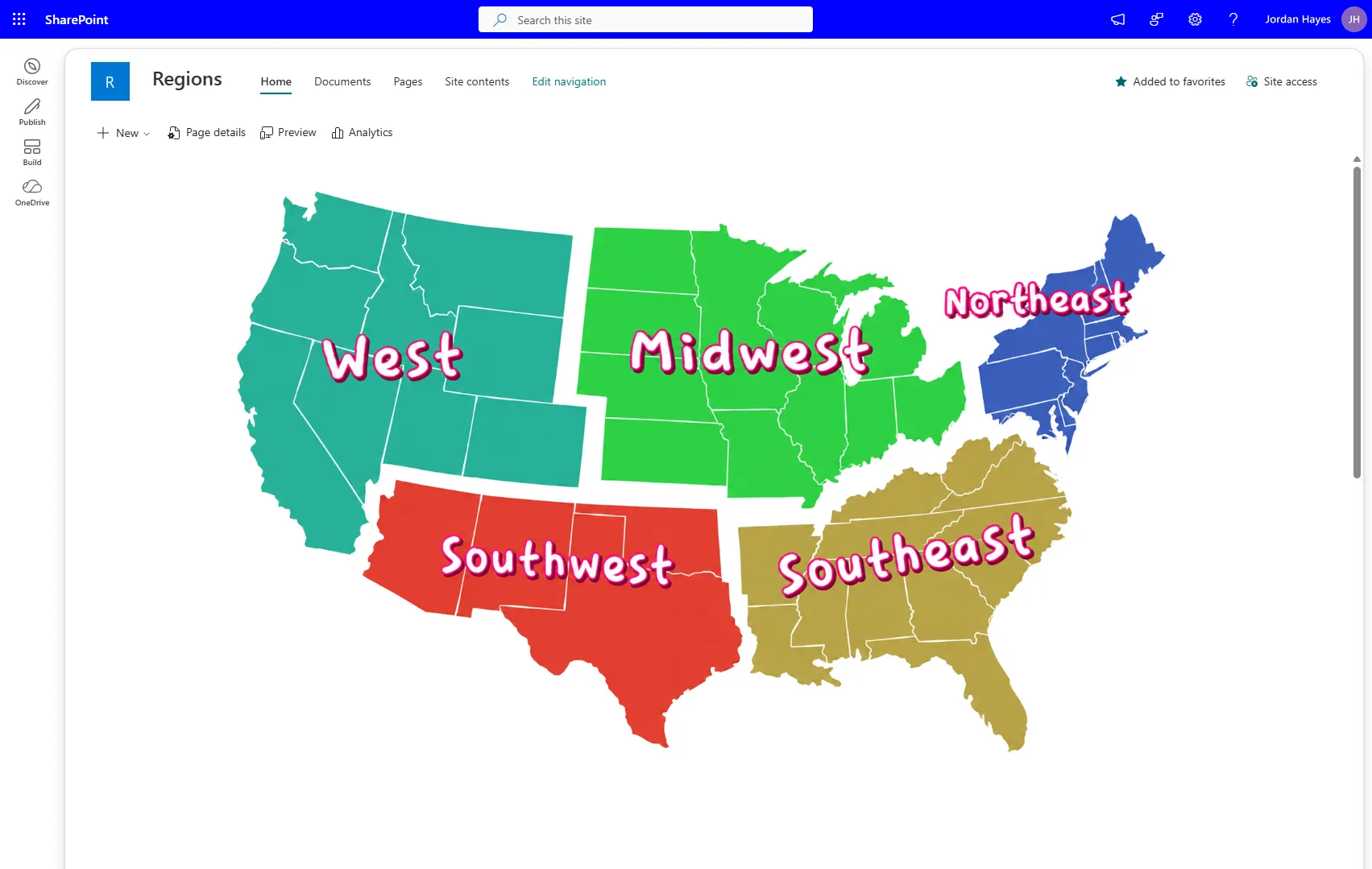
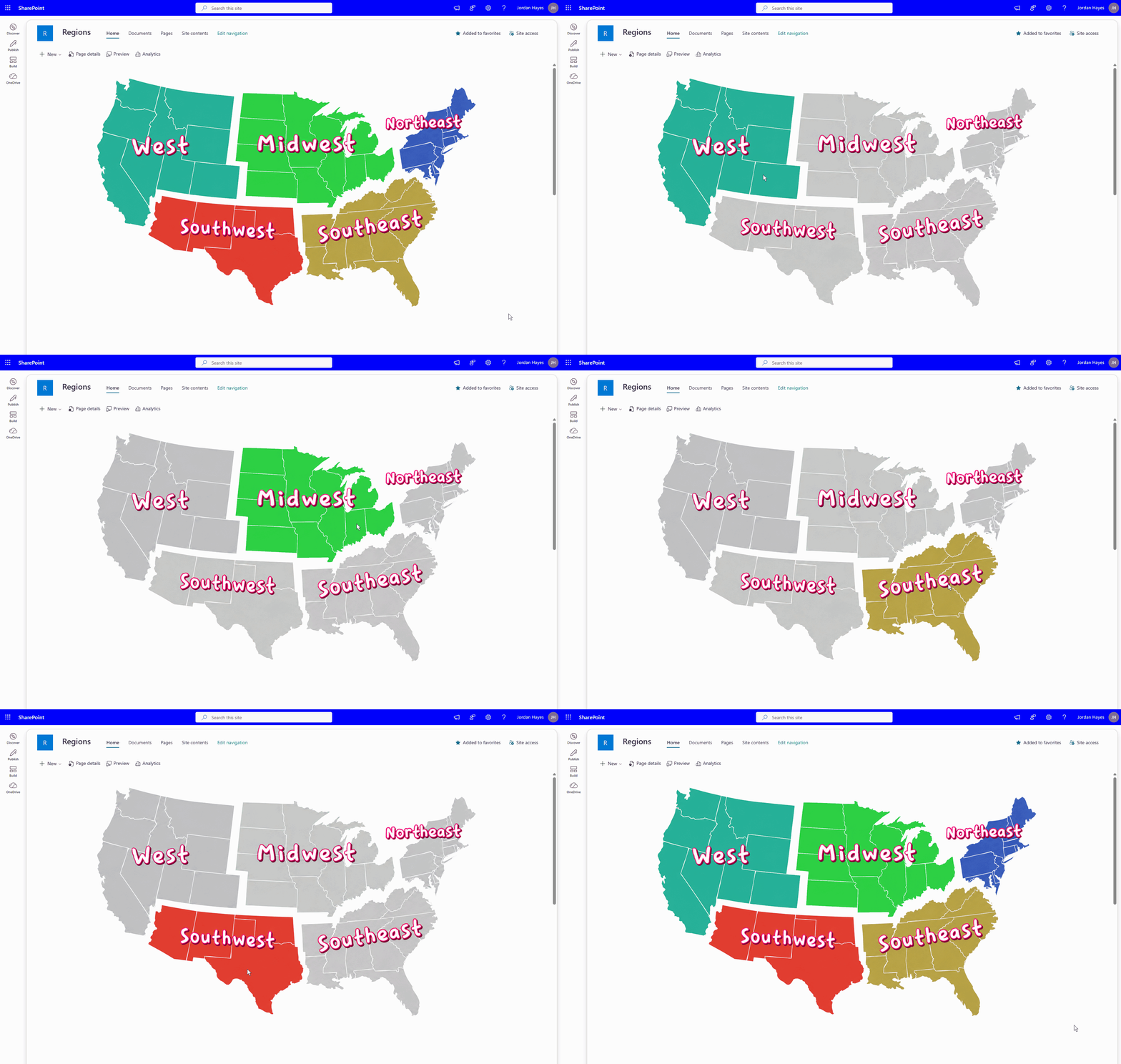
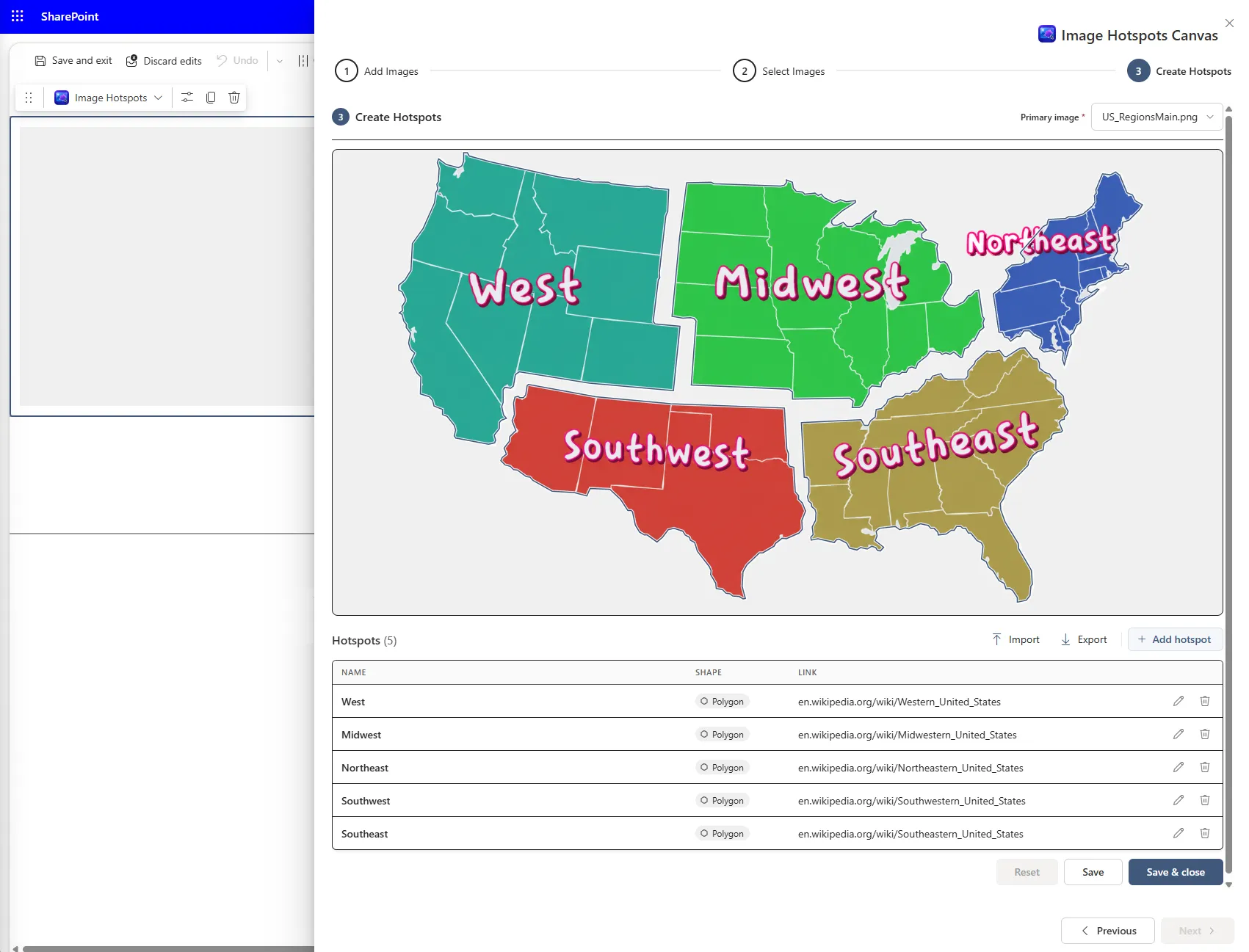
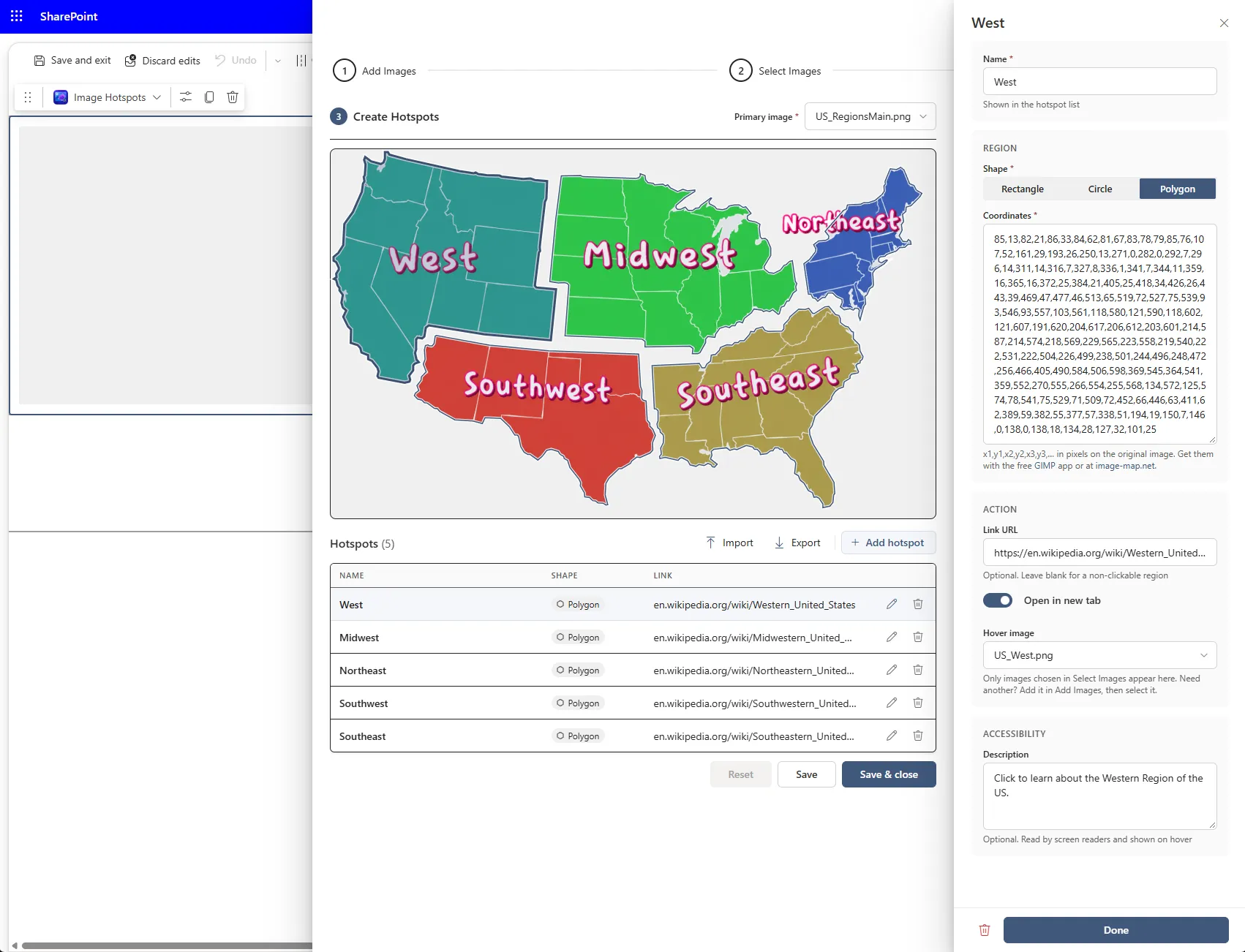
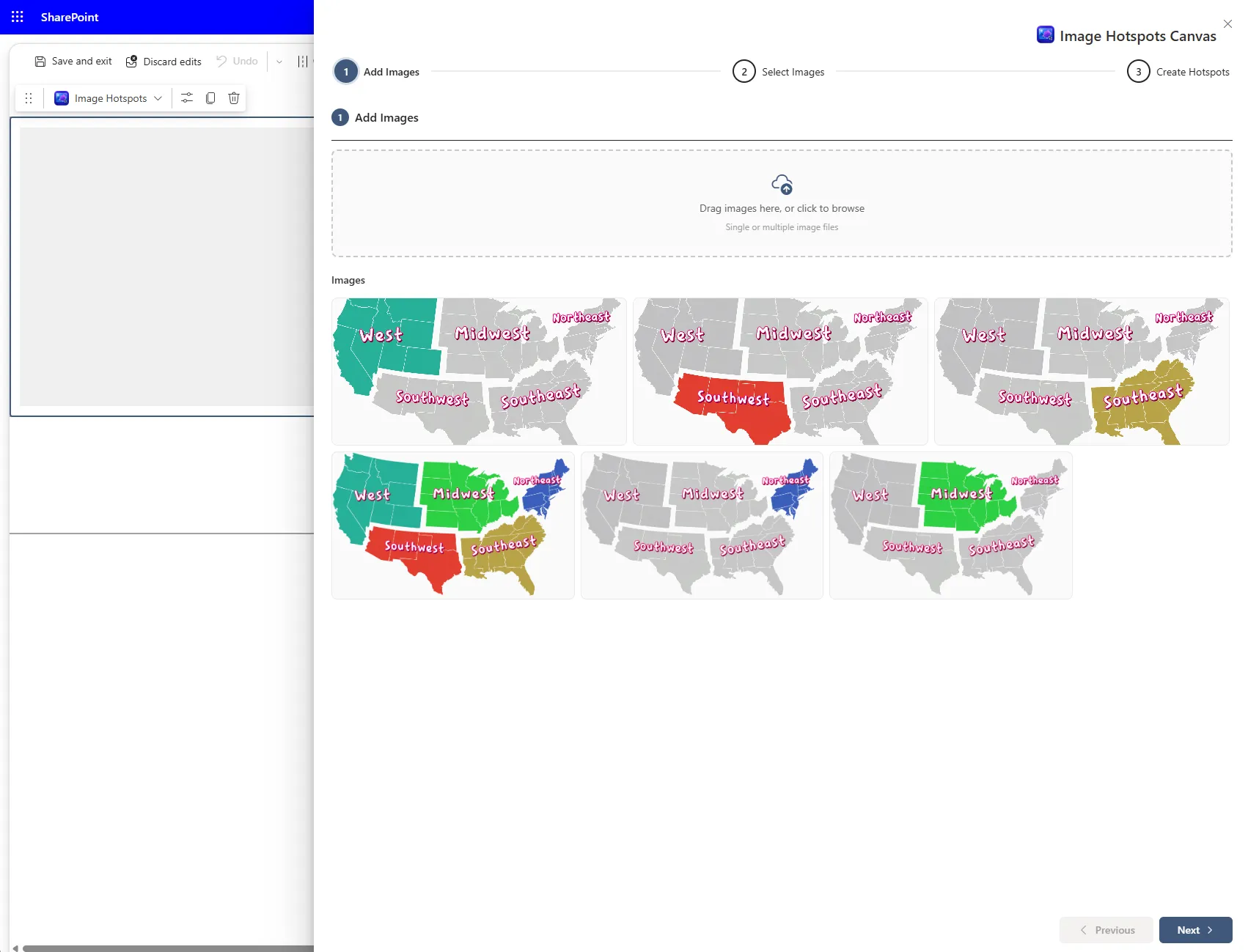
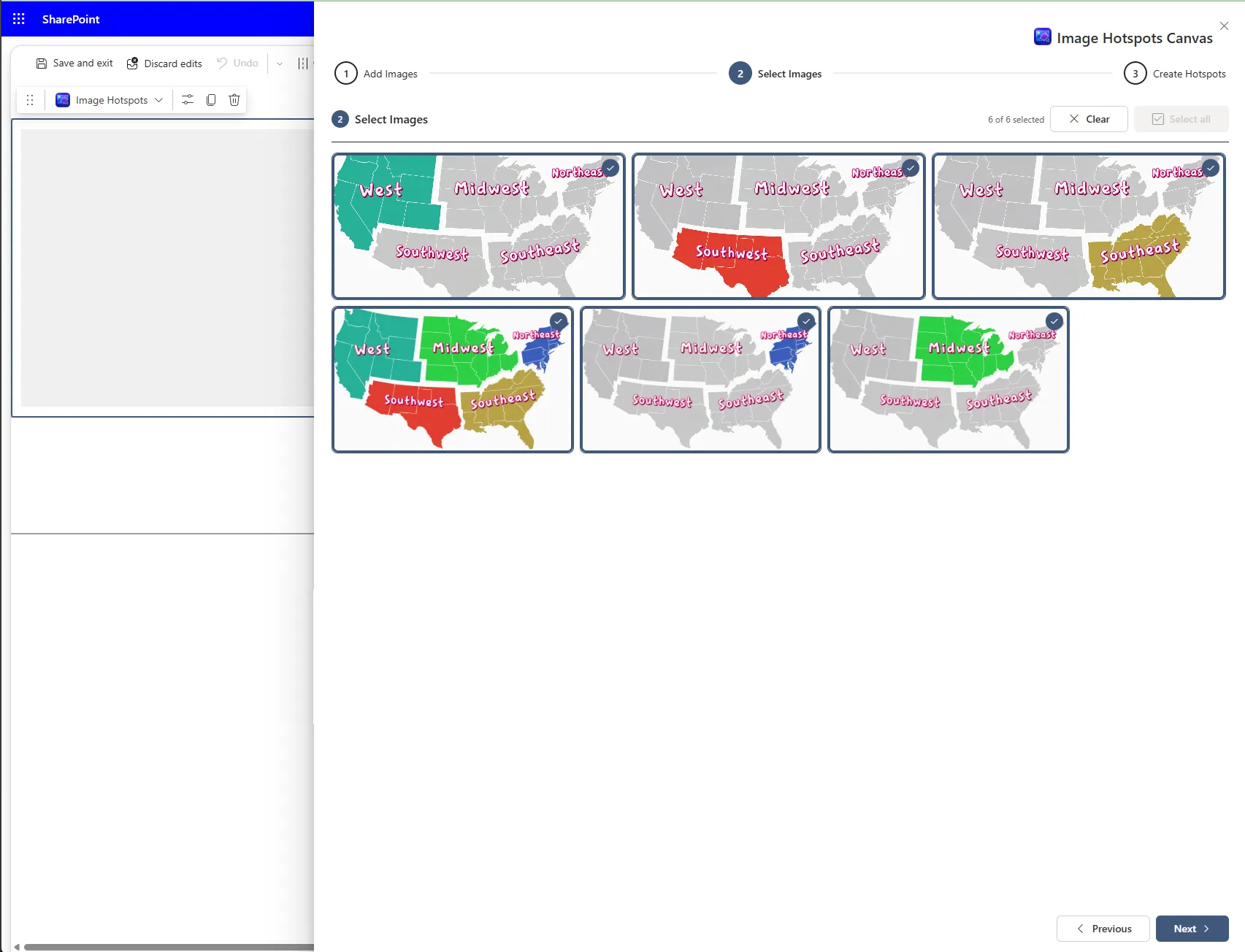
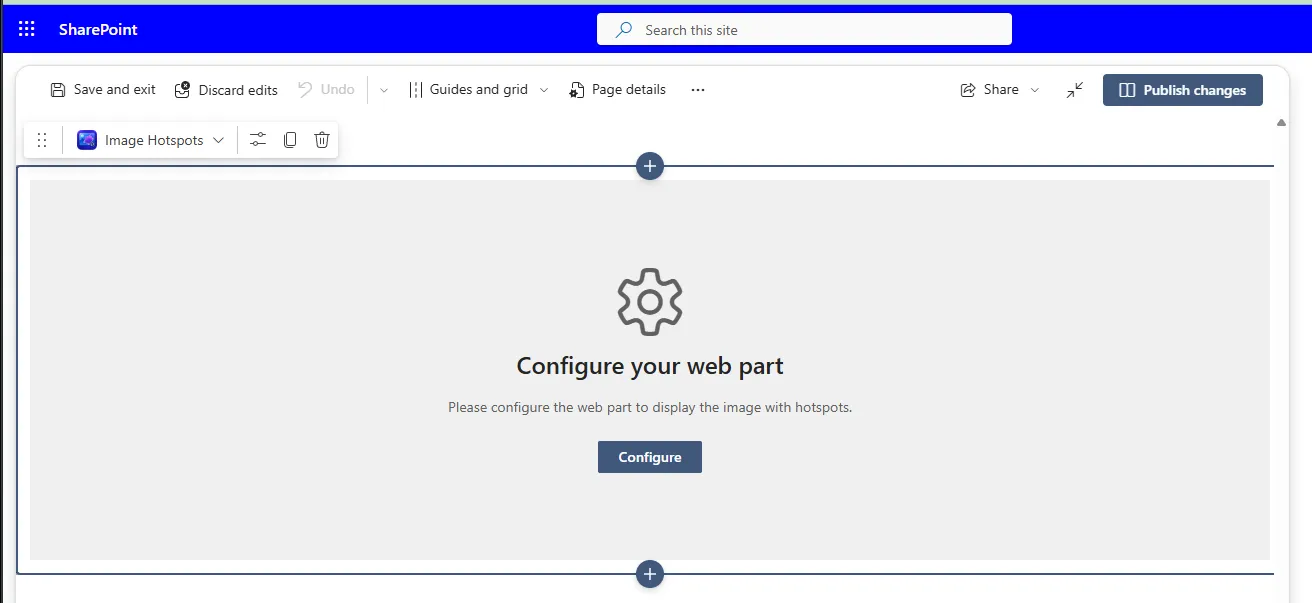
Images people can click, not just look at
A static image can't take anyone anywhere. Image Hotspots adds clickable regions, hover highlights, and accessible descriptions to any picture on a SharePoint page—no custom code, no HTML image maps to hand-edit.
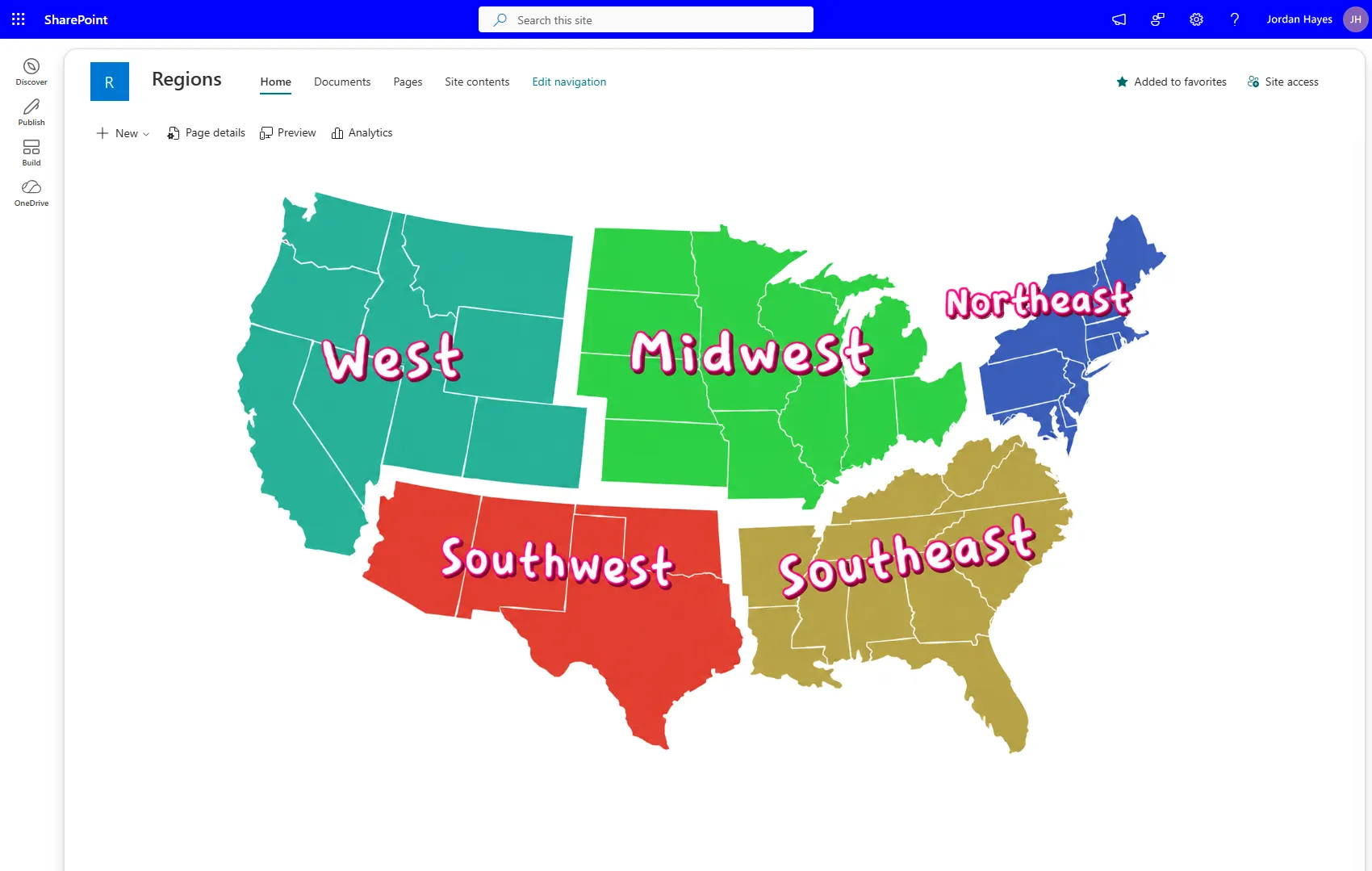
Hover to Swap Images
Give each region its own hover image. When someone points at a region, the picture changes to highlight it, so it's clear what they're about to click.
Precise Regions, Any Shape
Draw hotspots as rectangles, circles, or polygons. Paste coordinates straight from the free GIMP app or image-map.net and the region lines up exactly.
Link Anywhere, Accessibly
Point each region to any URL and choose whether it opens in a new tab. Add a description that screen readers announce and that shows on hover.
Guided 3-Step Setup
Add images, select the ones you need, then create hotspots, all from one panel. Import and export hotspots to reuse a layout on another page.
One web part, a lot of maps
If it's an image with parts people should be able to click, Image Hotspots can make it interactive.
Regional Maps
Turn a map into navigation. Each state, region, or territory links to its own page, team site, or report.
Office Floor Plans
Make rooms, desks, and departments clickable so people can find who sits where or book the right space.
Process & Org Diagrams
Link each step of a process diagram or each box on an org chart straight to its policy, form, or owner.
Product & Equipment Callouts
Point at parts of a product photo or machine diagram and link each one to specs, manuals, or training.
Campus & Site Maps
Help visitors and new hires get around. Buildings, parking, and entrances each link to directions or details.
Start free with Lite
Everything you need to build interactive images today. Pro is on the way for teams that want to skip the outside tools.
Lite
Available nowFree
- Upload and manage images in a SharePoint library
- Rectangle, circle, and polygon hotspots
- Per-region links with open-in-new-tab
- Hover image swap per region
- Accessible descriptions and tooltips
- Hotspot import and export
Pro
Coming soonEverything in Lite, plus:
- Built-in image map drawing tool — trace regions right on the image, no outside app neededPlanned
- Smart section select — click an area and have its coordinates captured for youExploring
Get Image Hotspots Lite
Free to download and install. Upload it to your app catalog and add it to any page.